


Best Canva Alternatives in 2026: Canva has become one of the most popular platforms for creating social media posts, presentations, posters, thumbnails, marketing materials and videos. However, it isn’t the only design tool available.
Depending on your needs, some Canva alternatives can offer better photo-editing capabilities, more advanced design controls, stronger collaboration features, powerful AI tools or specialised infographic and data-visualisation options.
Whether you’re a content creator, marketer, student, business owner or professional designer, there is likely a Canva alternative that better fits your workflow.


Table of Contents
Top Canva Alternatives in 2026
| Tool | Best For | Main Advantage |
| Adobe Express | General graphic design | Canva-style templates with Adobe ecosystem integration |
| VistaCreate | Social media and animated content | Large collection of ready-made templates and visual assets |
| Figma | UI/UX and collaboration | Real-time collaborative design and prototyping |
| Visme | Presentations and infographics | Strong data visualisation and business presentation features |
| Pixlr | Photo editing | Browser-based editing with AI-powered features |
| Photopea | Photoshop-style editing | Layer-based editing without installing desktop software |
| Piktochart | Infographics and reports | Specialised tools for data-driven visual content |
| Snappa | Quick social media graphics | Simple interface for creating static designs quickly |
| Microsoft Designer | AI-assisted design | AI-powered creation from prompts and ideas |
| Affinity Designer | Professional vector design | Advanced control over vector graphics and illustrations |
Best Canva Alternatives in 2026
1. Adobe Express
Adobe Express is one of the closest alternatives to Canva, particularly for users who want an easy-to-use design platform with access to Adobe’s broader creative ecosystem.
It offers templates and tools for social media posts, flyers, presentations, advertisements, videos and other marketing materials. Its connection with Adobe’s ecosystem can also be useful for creators who already use Adobe products.
Best for: Content creators, marketers, small businesses and Adobe users.
2. VistaCreate
VistaCreate is a strong option for users who primarily create social media graphics, promotional content and animated designs.
Its template-driven approach makes it relatively easy for beginners to create professional-looking posts without designing everything from scratch.
Best for: Instagram posts, social media stories, advertisements and short animated content.
3. Figma
Figma is quite different from Canva because it is primarily designed for digital product and interface design rather than everyday social media graphics.
It is particularly useful for creating website layouts, mobile app interfaces, prototypes and collaborative design projects. Multiple team members can work on the same project, making it popular for distributed teams and product-design workflows.
Best for: UI/UX design, websites, apps, prototypes and team collaboration.
4. Visme
Visme focuses heavily on presentations, infographics, reports and data-driven visual content.
It can be a better choice than Canva when your project involves statistics, charts, business information or educational material that needs to be presented visually.
Best for: Business presentations, reports, educational content and infographics.
5. Pixlr
Pixlr is primarily focused on image and photo editing rather than template-based graphic design.
It provides browser-based tools for image enhancement, background editing, creative effects and other photo-manipulation tasks. This makes it useful for creators who need more editing flexibility for images and thumbnails.
Best for: Photo editing, YouTube thumbnails, image enhancement and retouching.


6. Photopea
Photopea is a browser-based image editor that provides a layer-based workflow similar to traditional professional image-editing software.
It can be particularly useful for users who are comfortable with Photoshop-style tools and need to work with layers or edit PSD files without installing desktop software.
Best for: PSD editing, layered designs and Photoshop-style image editing.
7. Piktochart
Piktochart is built specifically around visual communication, with a strong focus on infographics, reports, presentations and data visualisation.
It can be especially useful when you need to turn research, survey results, statistics or complex information into an easy-to-understand visual format.
Best for: Infographics, reports, survey results, research presentations and data visualisation.
8. Snappa
Snappa is designed for users who want to create graphics quickly without dealing with a complicated design workflow.
Its straightforward interface can be useful for bloggers, freelancers and small businesses that mainly need static social media posts, blog graphics and online advertisements.
Best for: Bloggers, freelancers, social media graphics and quick marketing designs.
9. Microsoft Designer
Microsoft Designer uses AI-assisted features to help users create visual content from ideas and text prompts.
It can be convenient for people who already use Microsoft’s ecosystem and want to quickly generate designs for social media, invitations, promotional content and other projects.
Best for: AI-assisted designs, social media posts, invitations and quick marketing graphics.
10. Affinity Designer
Affinity Designer is aimed more at professional graphic designers, illustrators and artists than casual template-based users.
It provides greater control over vector shapes, typography, illustrations and complex design elements. As a result, it can be a better choice when you need precision and creative control rather than simply selecting a template and modifying it.
Best for: Vector illustrations, logos, branding, typography and professional graphic design.
Which Canva Alternative Is Best?

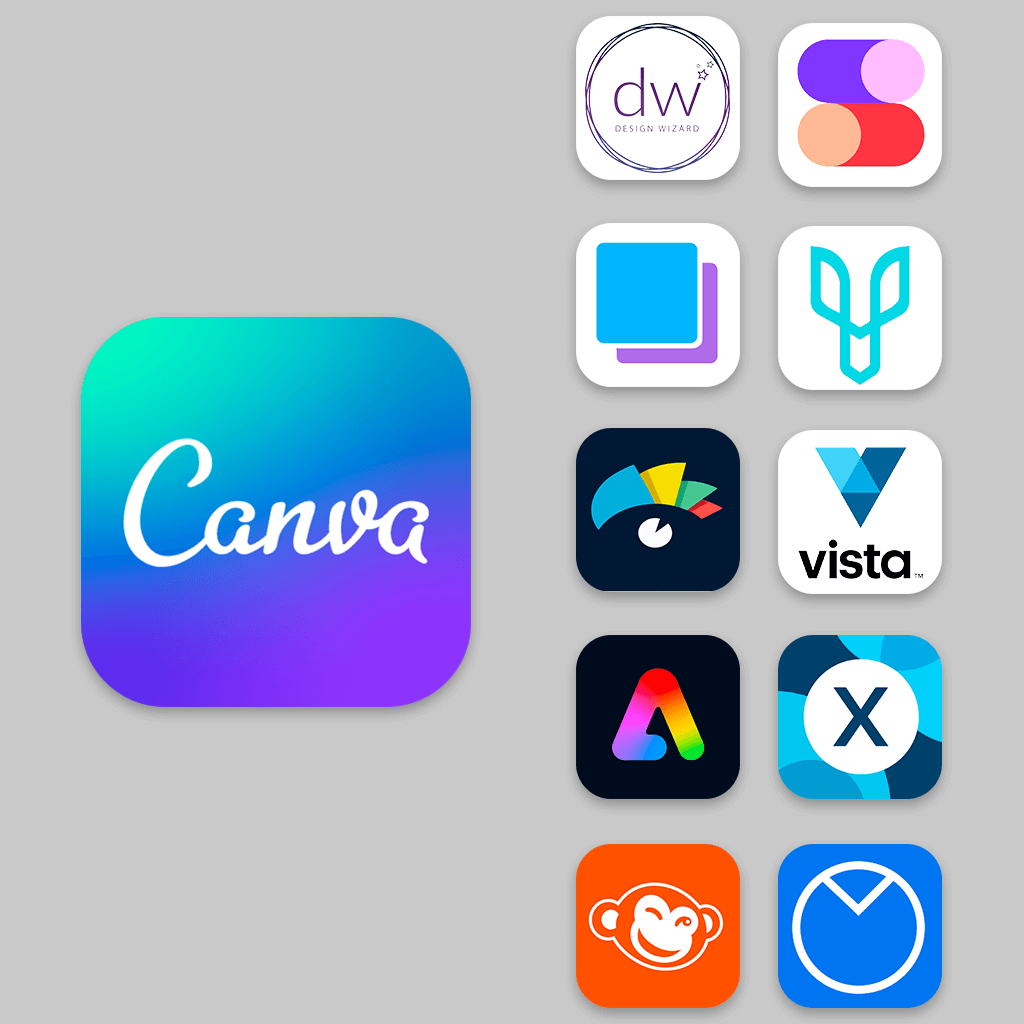
The best Canva alternative depends on what you actually want to create.
- Adobe Express: Best all-purpose alternative to Canva.
- VistaCreate: Best for social media posts and animated templates.
- Figma: Best for UI/UX, websites, apps and collaborative design.
- Visme: Best for business presentations, reports and data visualisation.
- Piktochart: Best for infographics and research-based visual content.
- Pixlr: Best for browser-based photo editing and thumbnails.
- Photopea: Best for Photoshop-style editing and PSD files.
- Microsoft Designer: Best for AI-assisted design creation.
- Snappa: Best for simple and fast social media graphics.
- Affinity Designer: Best for professional vector and illustration work.
Also Read:- Best SIP for Beginners in India (2026): Top Mutual Funds to Start